

Kintara Guide
Game Guide
Everything you need to explore Kintara — worlds, combat, gathering, quests, trading, and staying alive. Use the sidebar to jump to any topic.
Introduction
Kintara is a browser-based isometric MMO. You move on a tile map, gather resources, fight monsters, complete quests, trade with other players, and explore multiple connected realms from one shared character.
Your inventory, gold, skills, and friends list travel with you between realms. Step on portal tiles at map edges to move between areas.

Account & Identity
Sign in with your Solana wallet. Your wallet address is your account. There is no separate email or password login.
You need at least 1 $KINS in your connected wallet to play. Check your balance in the site header after connecting.
What saves automatically
- Display name, inventory, hotbar, and bank
- Gold, skills, and tutorial progress
- Daily quests and placed structures (firepits, shacks)
- Friends list, cosmetics, and profile badge
Stay safe
The game only asks your wallet to sign a login message. Never enter your seed phrase in a popup unless you intentionally started a purchase you understand.
Your First Session
New characters spawn on the Mainland with no tools and no gold. The tutorial NPC near spawn walks you through collecting your first axe, pickaxe, fishing rod, and hammer.
Recommended first steps
- Follow the tutorial and put each tool on your hotbar (open inventory with I, drag tools to number keys).
- Visit the plaza fountain in the center of the Mainland — it restores health quickly while you stand near it.
- Chop a few trees on the Mainland or in Whisperwood to learn gathering.
- Open the Marketplace from the radar HUD button to see what other players are selling.
What to avoid early
- The Wilderness north of the Mainland — mobs hit hard and you can lose items if you die there.
- Spending gold on cosmetics before you have supplies, bank space, and basic gear.
- Placing a shack in Whisperwood without scouting — you only get one shack; use /pickup to move it later.
Realms & Maps
Kintara is split into separate areas called realms. Each realm is its own map. Players in different realms cannot see or fight each other, even if the maps connect through portals.
Realm overview
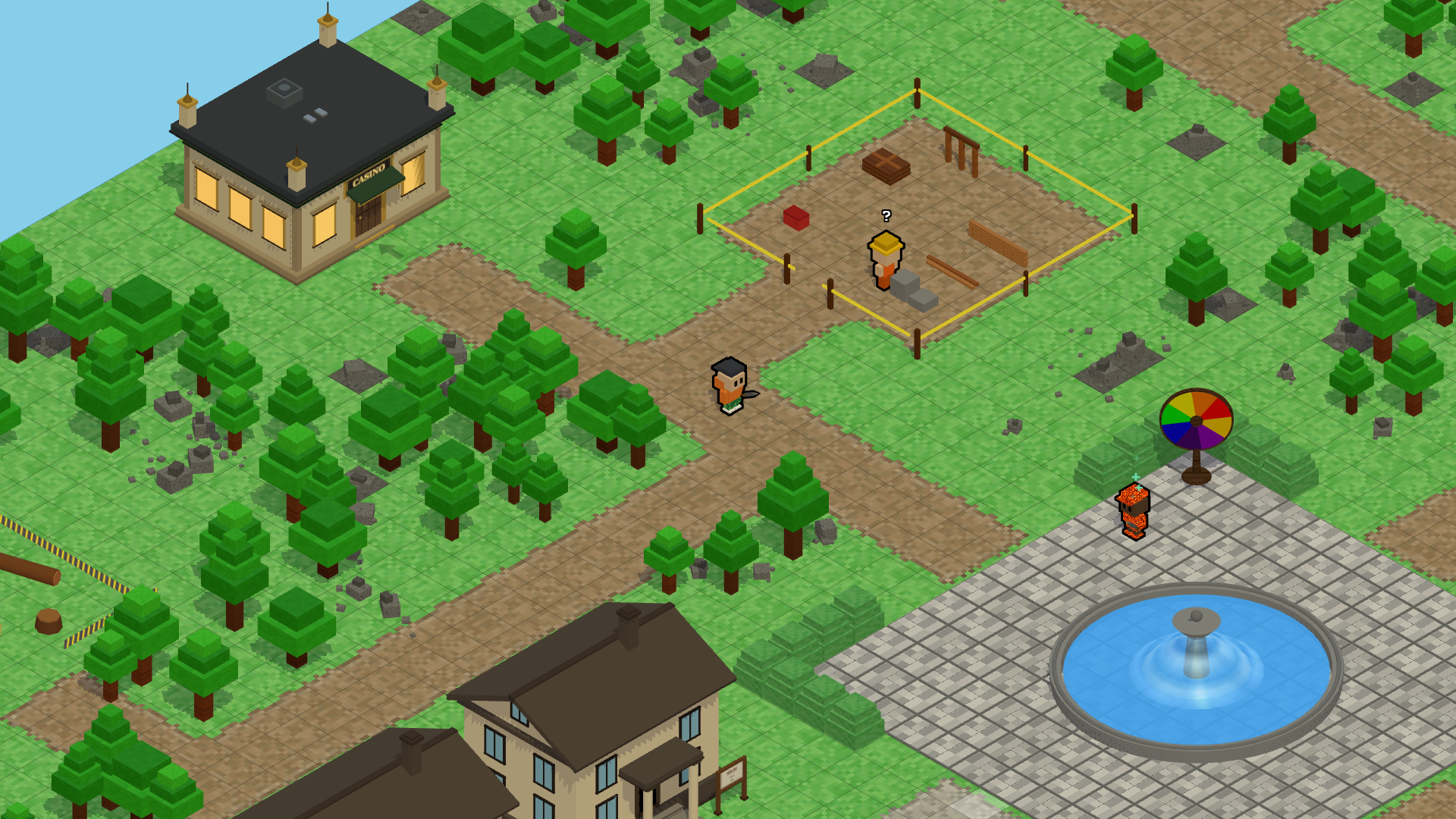
- Mainland — central hub with bank, shops, fountain, tutorial, and most portals.
- Wilderness — dangerous forest north of the Mainland; PvP outside the safe camp; you can lose items on death.
- Wilderness North — smaller northern area; PvP on; level-gated cave.
- Wilderness East — larger wild extension east of the main Wilderness and north of The Pond.
- The Pond — calm fishing realm with the Roast Pit cooking station.
- Whisperwood — peaceful woods south of the Mainland; fishing ponds and the only place to place a new shack.
- Arena — PvP scene reached from the Mainland arena plaza.
- Server 1 and Server 2 — two separate world instances on the same host; pick one at login. Your items and gold are shared between them, but players on Server 1 cannot see players on Server 2.
Mainland
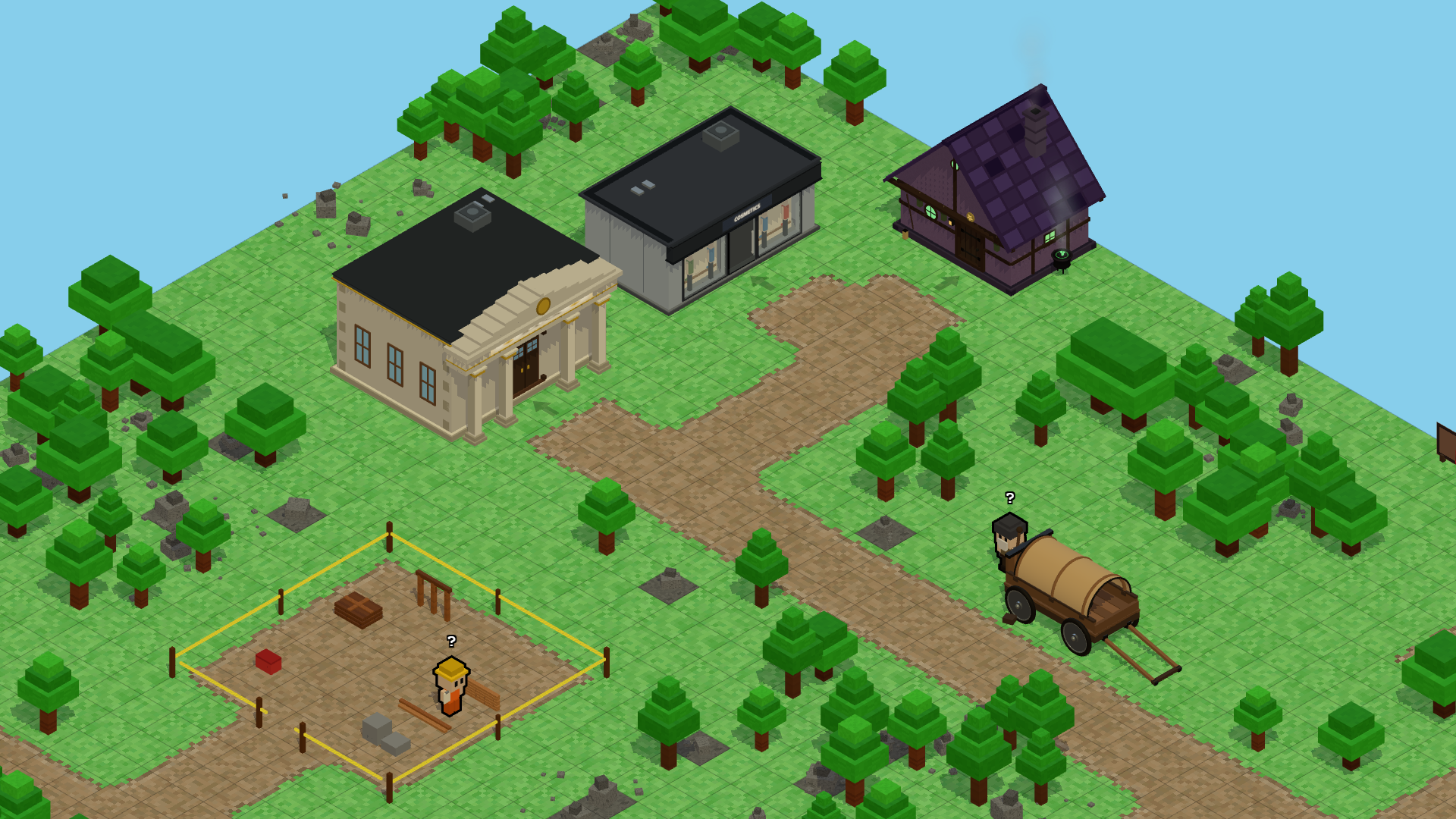
The Mainland is the main town map where you spawn. This is where you bank, shop, heal at the fountain, and reach most portals.
Key landmarks
- Plaza fountain — stand near it to restore health quickly.
- Bank — enter the bank building to deposit and withdraw items (not available from other realms).
- Marketplace building — landmark on the map; the Marketplace UI itself opens from the HUD anywhere.
- North portal — enter the Wilderness.
- South portal — enter Whisperwood.
- East portal — enter The Pond.
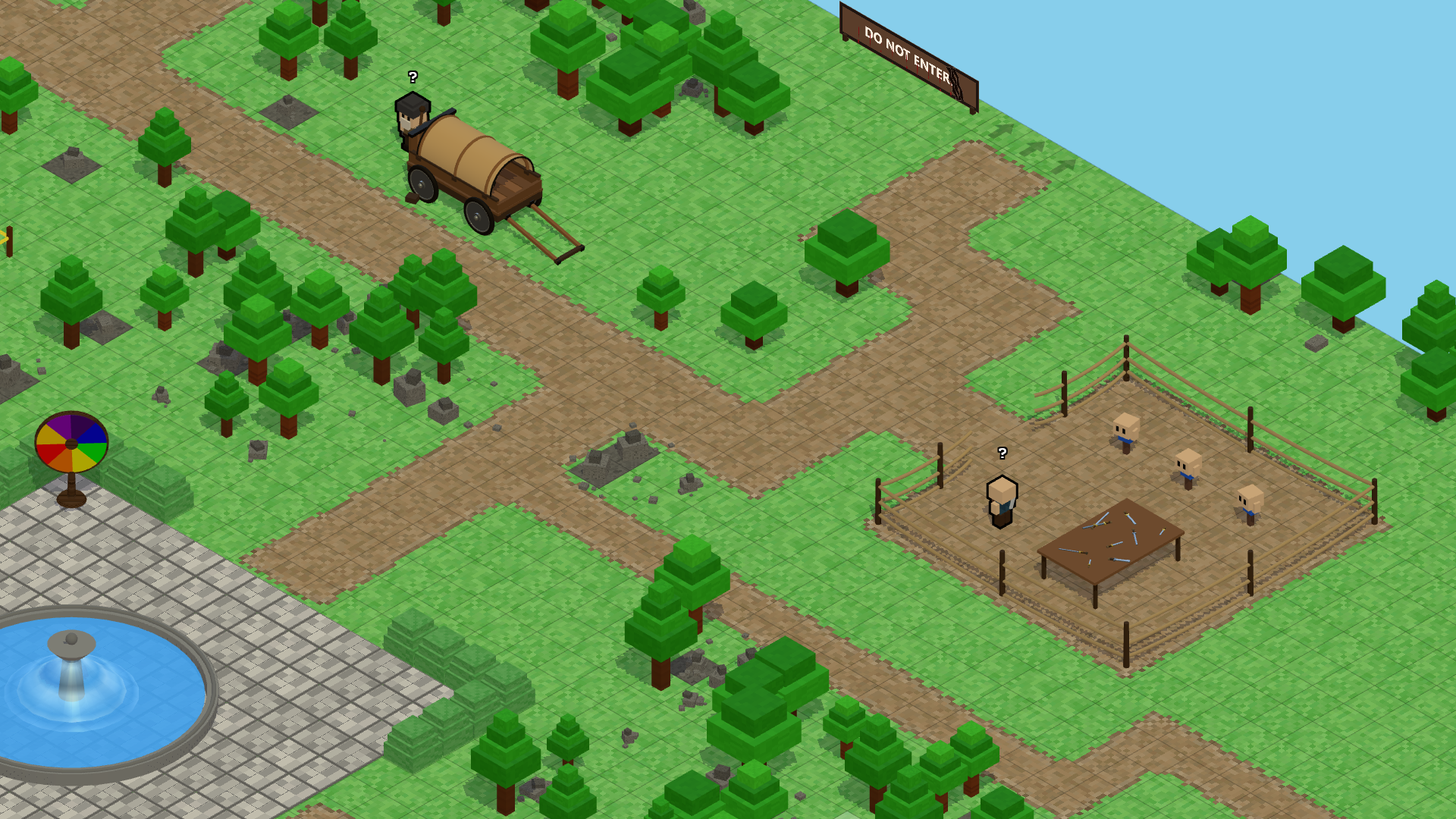
- Arena plaza (northeast) — boxing ring on the Mainland plus arrows into the full Arena scene.
- Mine entrance — interior mining area for rocks and coal with a pickaxe.
- Armory — safe place to practice combat before the Wilderness.
- Spinner wheel — near the casino on the Mainland (columns 25–26); free and paid spins — see Spinner Wheel.
Wilderness
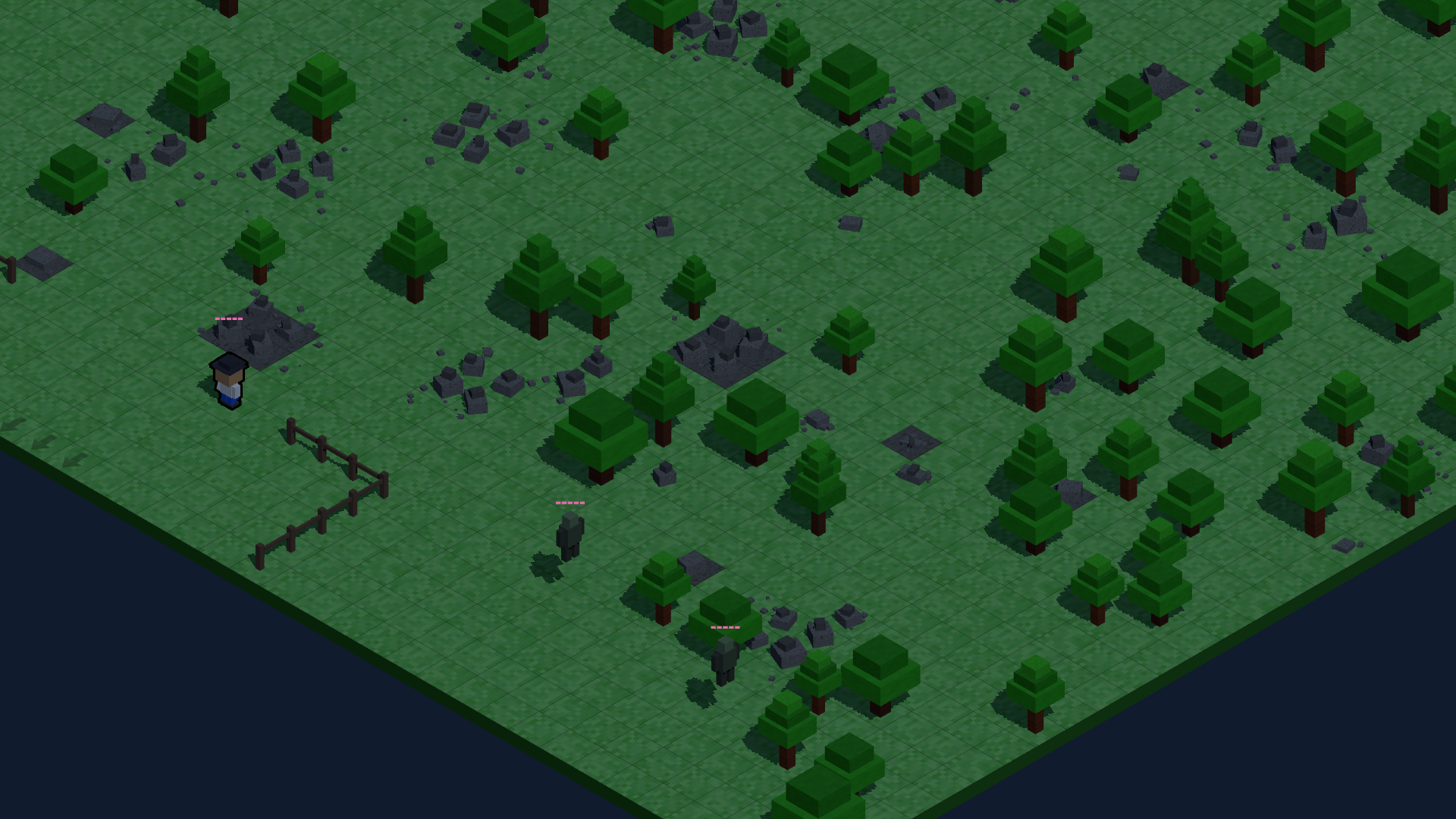
The Wilderness is north of the Mainland. It has tougher mobs, better risk, and PvP outside the safe camp. If you die here, you can drop items — see Tombstones / Death Bags.
Safe camp
The southern safe camp disables PvP and stops wild mobs from chasing you inside the fenced area. Use it to reset before pushing deeper.
Travel
- Enter from the Mainland north portal.
- Return south through the portal strip to the Mainland.
- Go north to Wilderness North.
- Go east to Wilderness East.
Wilderness North
A northern area reached from the top of the main Wilderness. PvP is enabled across the whole map (there is no safe camp here). Mob density is lower than the main Wilderness. A level-gated cave waits at the far north — you need high enough combat skill to enter.
Wilderness East
A full-size wild area east of the main Wilderness. You can also reach it from the north edge of The Pond. Expect PvP and mob danger similar to the main Wilderness.
The Pond
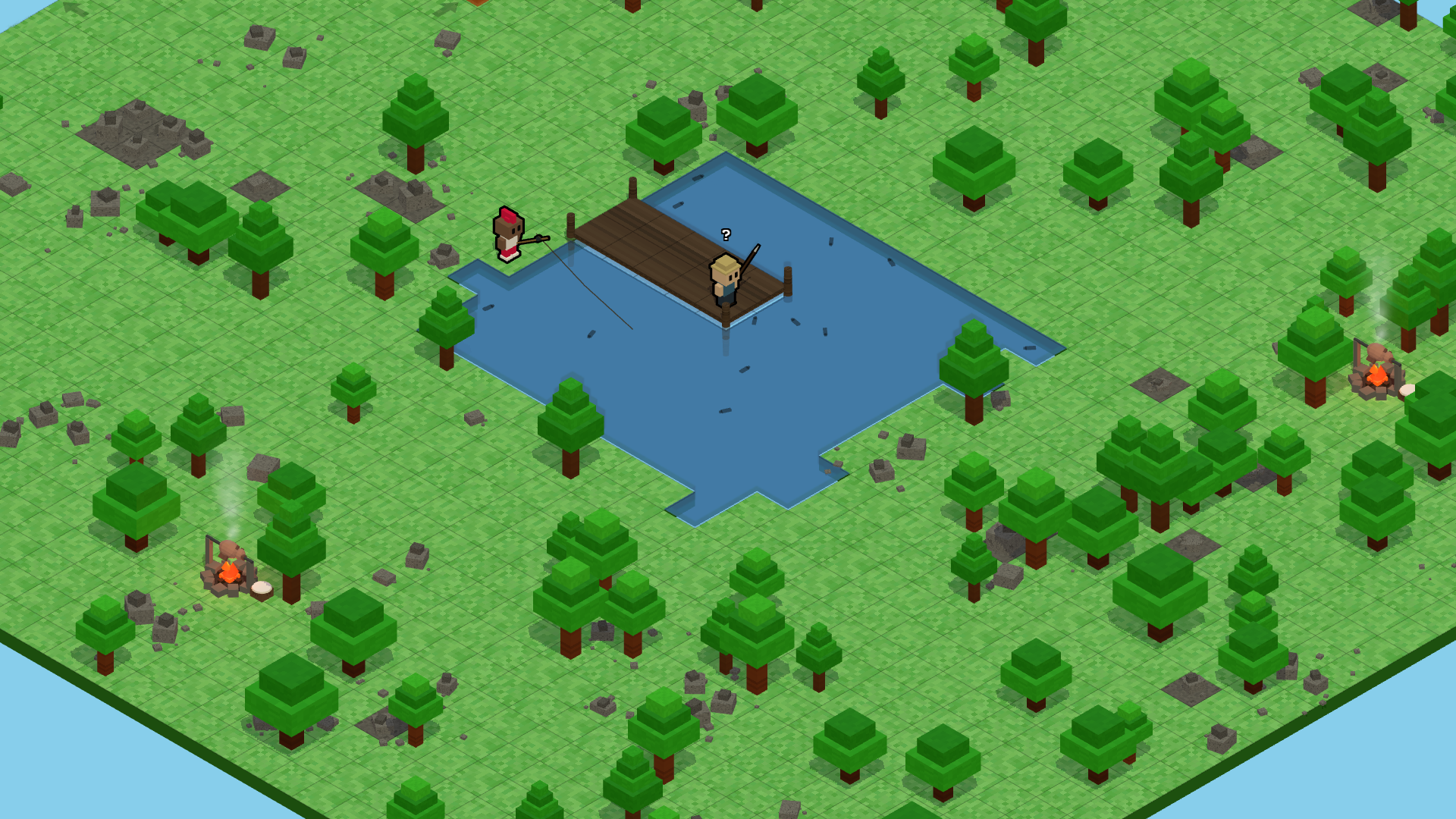
A calm 40×40 realm focused on fishing. PvP is off. The Roast Pit here is where you cook raw fish for cooking XP (mainland firepits do not count for that quest step).
Travel
- Enter from the Mainland east portal.
- Return west to the Mainland.
- Go north to Wilderness East.
Whisperwood
Peaceful woods south of the Mainland. Chop trees, mine rocks, fish in scattered ponds, and place your one personal shack here.
Travel
- Enter from the Mainland south portal.
- Return north to the Mainland.
Building
Shacks can only be newly placed in Whisperwood (one per player). Firepits can be placed in allowed realms — see Building & Pickup.
Arena & Boxing Ring
Look at the northeast corner of the Mainland for the arena plaza. Inside the plaza is a small boxing ring you can walk on for practice. Floor arrows on the south side of the plaza take you into the full Arena scene for PvP and events.
What they are for
- Boxing ring — practice movement and duels on the Mainland without leaving town.
- Arena scene — structured PvP space with rollers and seating; use it to fight other players when enabled.
Portals & Travel
Walk onto glowing portal tiles at map edges to change realms. There is no loading screen — you appear on the matching tile of the next map.
Main portal pairs
- Mainland north (columns 30–32, row 0) ↔ Wilderness south return.
- Wilderness north (columns 24–26, row 0) ↔ Wilderness North south return.
- Wilderness east edge (middle three rows) ↔ Wilderness East west edge.
- Wilderness East south (columns 23–25) ↔ Pond north (columns 18–20, row 0).
- Mainland east (column 61, rows 30–32) ↔ Pond west return.
- Mainland south (columns 30–32, row 61) ↔ Whisperwood north return.
- Arena entry on Mainland plaza ↔ Arena south return tiles.
- Wilderness North cave gate — level-gated arrows at the north edge.
Tombstones / Death Bags
In dangerous realms (main Wilderness, Wilderness North, Wilderness East), dying can drop some of your items into a tombstone on the ground.
What happens when you die
- You respawn at a safe location for that realm.
- A tombstone appears near where you died holding dropped loot.
- You (and sometimes others, depending on rules) can click the tombstone to recover items before it expires.
Where this applies
- Main Wilderness — tombstones use the standard wild death system.
- Wilderness North and Wilderness East — same idea; bags are tracked separately per area so two deaths in different zones do not overwrite each other.
- Mainland, Whisperwood, and The Pond — you do not lose inventory to tombstones on death in normal play.
Tips
- Travel light until you know an area.
- After dying, go back to your tombstone quickly.
- Bank valuable stacks on the Mainland before long wild runs.
Core Gameplay Loop
Most sessions follow: gather → craft or cook → sell or bank → push into harder zones for better rewards.
- Gather wood, stone, coal, and fish with the right tools.
- Cook fish at the Pond Roast Pit, build firepits for healing, or list extras on the Marketplace.
- Bank overflow on the Mainland and buy supplies from merchants or players.
- Enter the Wilderness when you are ready for higher risk and mount drops.
Movement & Camera
Click the ground to walk. Your character paths around trees, rocks, water, and other players.
Camera
- Scroll to zoom in and out.
- Use your rotate key (default R) to swing the view.
- The camera follows your character.
While building
Open build mode from the hotbar. Placement uses a ghost preview. Right-click cancels. Movement clicks are disabled until you exit build mode.
Inventory & Hotbar
Your backpack has a fixed number of slots. Stackable items (wood, stone, coal, gold, fish, etc.) merge into stacks up to 999 per slot.
Hotbar
Drag items from inventory to hotbar keys 1–6. The active hotbar item is what you use when you click in the world (chop, mine, fish, attack, build).
Bank
The bank is separate storage with its own slot limit — see Banking & Storage. You must walk into the Mainland bank building to use it.
Resources & Gathering
Equip the right tool on your hotbar and click the resource while standing next to it.
Resource sources
- Trees → wood (axe).
- Rocks → stone (pickaxe); some rocks also drop coal.
- Coal clusters → coal (pickaxe).
- Mainland Mine interior → rocks and coal (pickaxe).
- Fishing — ponds in Whisperwood, the large water in The Pond, and other marked water tiles (fishing rod).
- Mobs — occasionally drop mounts; more drop types may be added in future updates.
Capacity tips
- Carry one of each gathering tool until you specialize.
- Bank extra tools and heavy stacks before a long Wilderness trip.
- Sell or trade overflow on the Marketplace instead of dropping it.
Building & Pickup
Open the build menu from the hotbar to place structures on allowed tiles.
Structures
- Firepit — cost: 20 stone, 20 coal, 50 wood. Lasts about 30 seconds. Stand next to it to heal (similar to the fountain). Not used to cook raw fish.
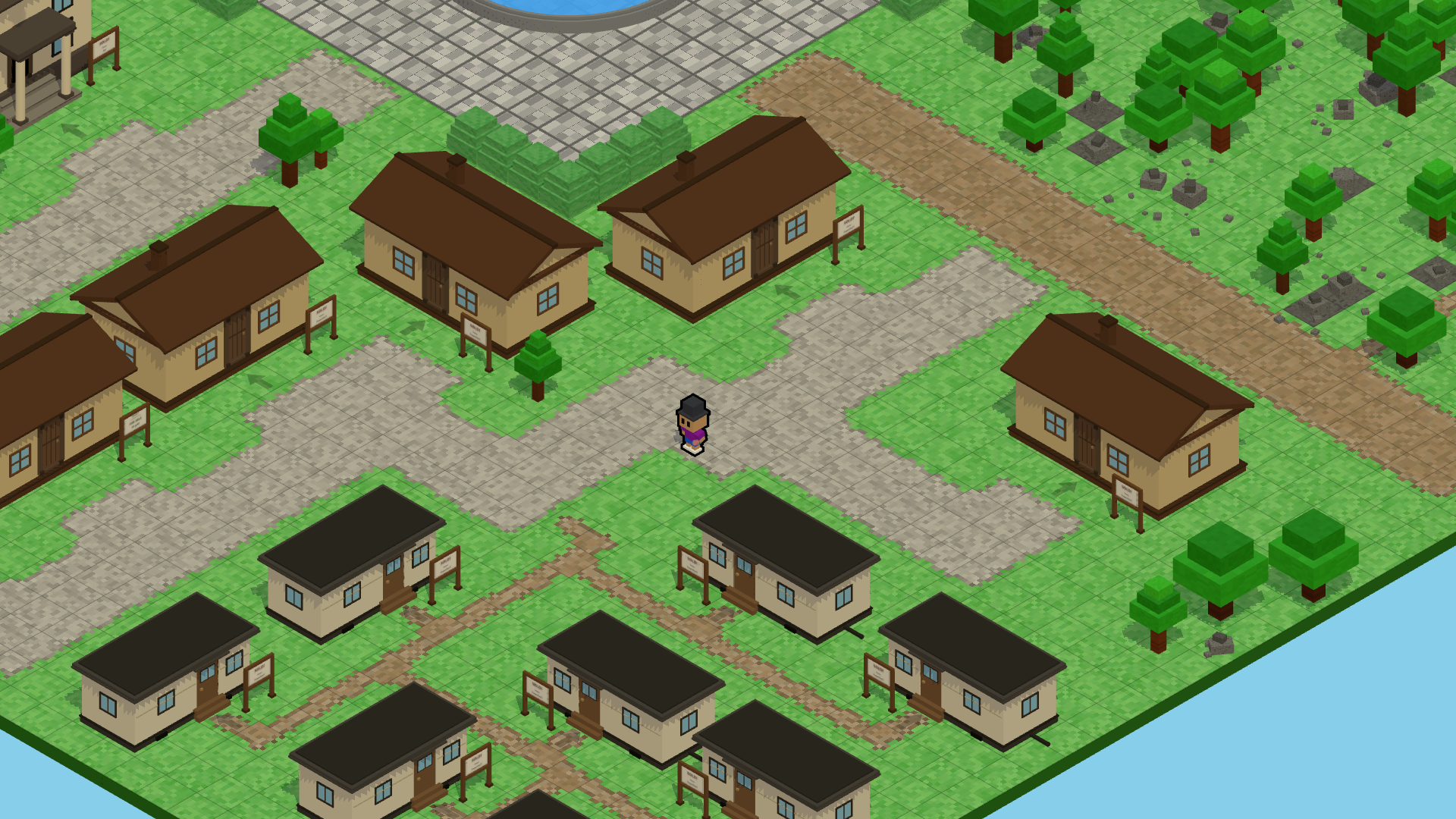
- Shack — cost: 500 wood, 200 stone. Whisperwood only. One per player. Decorative / personal landmark only — no storage inside.
Pickup
Type /pickup in chat to open the pickup list for structures you own. Picking up a shack frees your one-per-player slot so you can place it again elsewhere in Whisperwood.
Skills & Progression
Skills level up as you play. Higher levels unlock smoother gathering and tougher content gates (such as the Wilderness North cave).
Skill families
- Combat — fighting mobs and training at the armory.
- Woodcutting — chopping trees.
- Mining — rocks and coal.
- Fishing — successful catches.
- Cooking — cooking raw fish at the Pond Roast Pit.
Early levels come quickly. Late levels take longer. The current level cap is shown in your skills UI.
Combat Overview
Combat is melee-focused: equip a sword (or similar weapon), click enemies, and use spacing to avoid hits. There is no armor — cosmetics do not change how much damage you take.
Staying alive
- Plaza fountain on the Mainland — stand nearby to heal quickly.
- Firepits — short-lived heal stations you can build in the field.
- Health potions and other potions — drink from the hotbar when equipped.
- Kiting — walk away during enemy attack wind-ups.
Where to learn
- Armory on the Mainland — safe practice with dummies and lighter fights.
- Arena — PvP practice against other players when you are ready.
- Wilderness — only after armory practice; real death risk and tombstones apply.
PvE & Mobs
Wild mobs roam outside safe zones. They chase you when you get close and deal damage on contact during their hit window.
Drops
- Mobs can occasionally drop mounts.
- They do not currently drop gold or general loot piles.
- Additional mob drops may be added in future updates.
PvP & Safe Zones
Safe (no player vs player)
- Mainland — all tiles.
- Wilderness safe camp — southern fenced area.
- Whisperwood — all tiles.
- The Pond — all tiles.
PvP enabled
- Wilderness — outside the safe camp.
- Wilderness North — full realm.
- Wilderness East — full realm.
- Arena — full scene.
Arena Rules
The Arena scene is a dedicated PvP map with moving floor rollers that push you, spectator benches, and chair tiles. Enter from the Mainland arena plaza arrows.
- Step on rollers to move quickly — learn the flow before chasing kills.
- Leaving through the south return strip sends you back to the Mainland plaza.
- Wager or event rules may change by patch — watch announcements for special Arena weeks.
Quests, Tutorial, and Dailies
Tutorial
Follow the tutorial NPC on the Mainland. Steps unlock tools, bank, Marketplace, and other UI at the right pace.
Daily quests
- Gather objectives — chop X wood, mine X stone, catch X fish.
- Combat objectives — kill X mobs in a specific realm.
- Rewards include gold, items, XP, and sometimes profile badges.
- Resets on a daily schedule — check the quest UI for time left.
Fishing
Equip the fishing rod, stand next to fishable water, and click to cast. Each catch is rolled against your fishing skill and the spot quality.
- Whisperwood has scattered ponds — good for peaceful fishing loops.
- The Pond has the largest open water — popular for fishing sessions and cooking trips.
- Successful catches add raw fish to inventory (stacks up to 999).
Cooking
Cooking XP comes from cooking raw fish at the Roast Pit on The Pond (the communal cooking station by the water). Mainland firepits are for healing, not cooking fish.
- Higher cooking levels may unlock more recipes in future updates.
- Cooked fish can be eaten for healing — equip from inventory or hotbar like other consumables.
Cosmetics & Shop
The cosmetic shop sells visual-only outfits and styles. They do not change combat stats.
- Rotating daily and weekly offers.
- Purchased with gold.
- Equip from the dashboard cosmetics page.
Economy Overview
Gold is the main currency for items, shops, and most player trades. Resources (wood, stone, coal, fish) flow through gathering, merchants, building costs, and the Marketplace.
Ways gold leaves the economy
- Cosmetic shop purchases.
- Building firepits and shacks.
- Merchant buys and other shop sinks.
Ways gold enters the economy
- Quest and daily quest rewards.
- Selling items or gold to other players on the Marketplace.
- Merchants and events.
- Spinner wheel prizes — free and paid spins can award gold, wood, stone, or coal.
$KINS is the on-chain game token — see $KINS Token. Most everyday trading still happens in gold.
$KINS sinks (on-chain)
- Paid spinner spins — $3 USD worth of $KINS per spin; 50% burned, 50% to the game treasury.
- Marketplace gold-for-$KINS sales — 5% of the payment goes to the treasury; the seller receives 95%.
Marketplace
Open the Marketplace from the radar HUD button (cart icon) — you do not need to stand at the Mainland market building.
Tabs and listing types
- Buy — browse player listings and pay gold for items.
- Sell — list items from your inventory at your price.
- My Listings — cancel or manage what you have posted.
- Gold listings — trade items for gold like a normal shop. Buyer pays gold; seller receives the full gold amount (no treasury cut).
- Gold for $KINS — sellers can list in-game gold in exchange for $KINS at a USD-based price. Buyers pay on-chain with $KINS from their wallet.
$KINS marketplace fee split
When someone buys a gold-for-$KINS listing, the buyer's wallet sends $KINS in one transaction. The payment is split automatically:
- 95% → seller (the player who listed the gold).
- 5% → game treasury (used for events, development, and operating the game).
The exact token amount follows the live $KINS USD price at quote time, the same way paid spinner pricing works.
Spinner Wheel
The spinner wheel sits on the Mainland near the casino. Click the wheel on the map to open the spinner UI. You need an average skill level of 5 across your skills to spin.
Free spin
- One free spin every 12 hours.
- Same prize table as paid spins — does not cost $KINS.
- The button shows a countdown until your next free spin is ready.
Prizes
The wheel has 20 segments. About 1 in 20 spins wins gold; the rest award wood, stone, or coal in varying amounts.
Paid spin ($KINS)
- Costs $3 USD worth of $KINS at the live token price when you spin.
- Does not reset or skip your free-spin timer — it is an extra spin on demand.
- Your wallet signs one on-chain transaction; the server verifies it before the wheel turns.
- 50% of the payment is burned (removed from supply).
- 50% goes to the game treasury (events, dev team, and other game operations).
$KINS Token
$KINS is the Solana token tied to Kintara. You need at least 1 $KINS in your connected wallet to play.
- Wallet connect only signs login — it does not spend $KINS by itself.
- Most in-game items trade for gold on the Marketplace.
- You can sell gold for $KINS through Marketplace listings when other players buy your offer (seller keeps 95%; 5% treasury fee).
- Paid spinner spins cost $3 USD worth of $KINS (50% burn, 50% treasury) — see Spinner Wheel.
Treasury
The game treasury wallet receives the non-burned share of paid spinner payments and the 5% fee on Marketplace $KINS sales. Those funds support live events, development, and running Kintara.
Banking & Storage
The bank is inside the Mainland bank building. You must walk in and use the bank UI — you cannot open bank storage from other realms.
- 48 bank slots (each stackable item still stacks to 999 per slot).
- Deposit and withdraw by dragging between inventory and bank.
- If the bank is full, sell resources to merchants, list items on the Marketplace, or reorganize stacks to free space.
World Chat & Moderation
Press C to focus world chat. Messages go to everyone online.
- Rate limits apply — only X messages per rolling window to reduce spam.
- Very long messages are rejected.
- Mute players you do not want to see.
Friends
Add friends by search or invite. They must accept before you are connected.
- See who is online and which realm they are in.
- Send direct messages.
- Friend features may expand in future updates (parties and teleport-to-friend are not live yet).
Keybindings
Rebind keys in Settings. Defaults:
- I — inventory
- M — map
- B — build menu
- C — chat
- F — friends
- R — rotate camera
- 1–6 — hotbar
- 0 — clear hotbar selection
- Esc — close top modal
- Enter — confirm in dialogs
Slash Commands
Type these in chat:
- /pickup — pick up your firepit or shack.
- /lock and /unlock — lock structures against mis-clicks.
- /dismount — leave a mount.
- /who — list nearby players in your realm.
- /help — list commands.
Troubleshooting & FAQ
I cannot connect my wallet.
Unlock your wallet extension, refresh the page, and make sure you hold at least 1 $KINS.
My inventory will not save.
Check your connection. Failed saves show a toast — try again on a stable network.
I cannot open the bank in the Wilderness.
Banking only works inside the Mainland bank building.
I died in the wild — where is my stuff?
Return to your tombstone quickly. See Tombstones / Death Bags.
I placed a shack but want to move it.
Use /pickup in Whisperwood rules, then replace it.